Browsing social media often comes with built-in restrictions on saving content and managing personal visibility. Serving as an alternative client for Instagram, Honista connects directly to an existing account while preserving the standard layout and feed structure. Beyond the standard interface, the client adds direct utilities to save media locally, view posts anonymously, and manage data usage, functioning alongside the original platform software without requiring its removal.
The client provides built-in tools to capture photos and videos directly from your feed and stories into local storage with a single tap. Users can zoom into full-resolution profile images and download them straight to device memory. This setup bypasses the need for third-party screen recorders or external link converters when archiving media files.
Anonymous Browsing with Ghost Mode
Privacy controls inside the client include a dedicated Ghost Mode designed for untracked navigation. Enabling this setting lets you watch stories without adding your account name to the viewer list. The mode also browses content without altering feed recommendation algorithms or recording a digital footprint on viewed material.
Clipboard Tools and Follower Verification
Extracting information is integrated directly into the reading interface. Tapping and holding on any comment section or profile biography copies the text directly to the clipboard. In addition, visiting another user’s profile displays an indicator that specifies whether that account is actively following you back.
Data Conservation Settings
For connections with restricted bandwidth, the client includes a specialized low internet consumption toggle. Activating this option lowers the display quality of incoming photos and video streams throughout the feed. This compression reduces overall mobile data usage during longer browsing sessions.
Interface Personalization
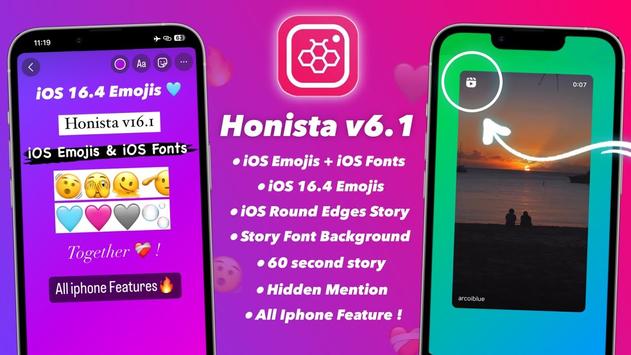
While the default navigation matches the standard social network layout to keep onboarding fast, the application includes custom styling options. Users can enter the internal configuration settings to modify the aesthetic appearance of the visual interface, tailoring menus and displays to match personal preferences.




 CapCut - Video Editor
 ZArchiver
 Phoenix
 Browser TV Web - BrowseHere
 RAR
 File Manager